
A VESA mount is a mounting standard used to attach monitors, displays, and other devices to arms, walls, panels, brackets, or integration structures. When a technical specification lists VESA 75x75 or VESA 100x100, it is describing the distance between the mounting points on the back of the display.
In industrial, kiosk, vending, transportation, or machinery projects, understanding this standard helps prevent integration errors. A display may have the right size, brightness, and touchscreen, but if its mounting does not fit the actual structure, the project may be delayed or require additional parts.
What Is a VESA Mount on an Industrial Monitor?
VESA is an association that defines mounting patterns for displays, among other standards. In practice, a VESA monitor is a device with standardised mounting holes on the back. These points allow it to be screwed to a compatible mount.
The aim is to simplify integration. If a display uses a common VESA pattern, it can be installed on articulated arms, wall mounts, kiosk structures, machine panels, or technical furniture without redesigning the entire fixing system from scratch.
In the industrial catalogue, this criterion usually exists alongside other mounting formats: open frame, panel mount, rack mount, metal enclosure, or custom integration. It is therefore important to check not only whether VESA mounting is available, but also whether the complete mechanical assembly fits the final application.
What Do VESA 75x75 and VESA 100x100 Mean?
VESA dimensions indicate the horizontal and vertical distance, in millimetres, between the mounting holes. A VESA 75x75 pattern means the points are 75 mm apart horizontally and 75 mm apart vertically. A VESA 100x100 pattern means 100 mm by 100 mm.
These are two of the most common formats for compact and medium-sized monitors. Larger displays may use bigger patterns, such as 200x100, 200x200, or others. The important point is to confirm the exact dimensions of both the device and the mount before manufacturing the structure or ordering accessories.
How to Know Whether a Display Has VESA Mounting
The most reliable method is to check the monitor's technical data sheet or measure the distance between the mounting holes on the back. A display should not be assumed to be compatible simply because it looks standard. Some industrial displays prioritise panel mounting, open-frame integration, or specific fixing points.
The screw depth, permitted weight, connector positions, and space required for cabling must also be checked. In a real integration, a mount may match the dimensions but block a connector, leave insufficient room for ventilation, or force an unsuitable cable bend radius.
Inelmatic offers solutions by mounting type, including industrial displays with mounting options that can be adapted to machine structures, cabinets, vehicles, kiosks, or specific brackets.
VESA Mount, Open-Frame Monitor, and Embeddable Display: Key Differences
A VESA mount is not the same as an open-frame monitor. VESA describes a fixing pattern. Open frame describes a construction designed for integration into another structure, normally without a complete outer enclosure or with a frame prepared for internal mounting.
An open-frame monitor can be used in kiosks, self-service terminals, vending machines, machinery, or technical furniture. In these cases, mounting may use tabs, frames, specific fixing points, or custom solutions. Sometimes VESA is sufficient; in other cases, more precise mechanical integration is required.
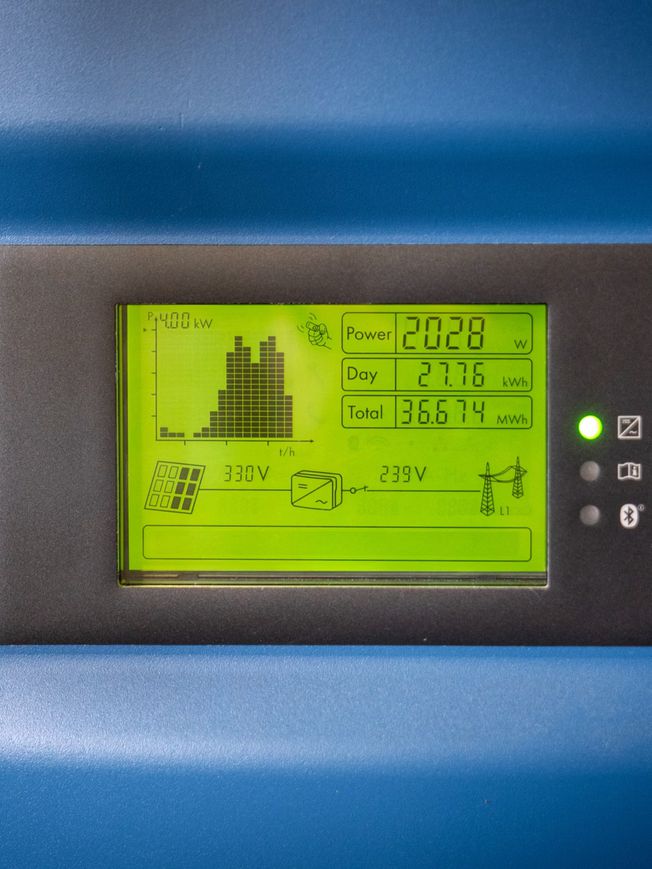
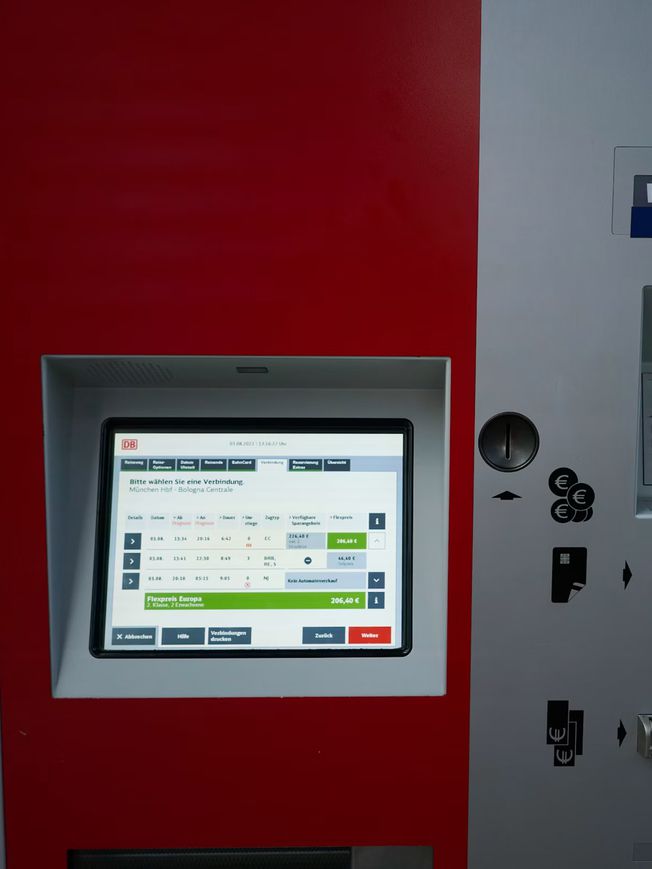
Monitor with VESA Mount for Kiosks and Self-Service Applications
In an interactive kiosk, mounting affects the user experience. The display must be stable, aligned, protected, and accessible. The touchscreen must also respond correctly, the glass must withstand public use, and the electronics must maintain suitable temperatures and ventilation.
If the project uses a VESA monitor, the industrial design should validate the centre of gravity, how maintenance will be carried out, and what will happen if the model is replaced by a different size in the future. Small variations can affect the entire structure.
What to Check Before Choosing a Monitor with a VESA Mount
Before finalising the choice of display, check the following points:
Exact VESA pattern: 75x75, 100x100, or another size.
Monitor weight and the mount's actual load capacity.
Recommended screw depth and thread size.
Access to connectors, power, and cabling once mounted.
Ventilation, thermal dissipation, and maintenance requirements.
Type of environment: indoor, outdoor, industrial, public, vehicle, or machine.
In industrial projects, these mechanical details must be validated together with the electronic and optical requirements. It is not enough for the monitor to be attachable: it must be integrated safely, remain maintainable, and be consistent with the equipment's life cycle.
When to Choose a Standard VESA Display or Custom Integration
A standard VESA display may be the right option if the project uses a commercial arm or mount and does not require complex integration. It is a fast, flexible, and easy-to-maintain solution when the environment does not impose too many constraints.
By contrast, custom integration makes more sense when the display is part of a finished product, machine, kiosk, or vehicle. In these cases, aesthetics, resistance, maintenance access, sealing, ergonomics, vibration, temperature, and compatibility with other components all come into play.
As a manufacturer of custom monitors and displays, Inelmatic can adapt the format, mounting, enclosure, touchscreen, front protection, brightness, connectivity, and electronics so that integration does not depend on improvised solutions.
Frequently Asked Questions About VESA Mounts
What Is a VESA Mount?
It is a mounting standard that defines the distance between a display's fixing holes so that it can be installed on compatible mounts.
What Does VESA 75x75 Mean?
It means that the mounting holes are 75 mm apart horizontally and 75 mm apart vertically.
What Does VESA 100x100 Mean?
It means that the fixing points form a 100 mm by 100 mm square on the back of the monitor.
Do All Industrial Monitors Have a VESA Mount?
No. Some use VESA mounting, while others use panel mounting, open-frame construction, rack mounting, or specific fixing points. Always check the technical data sheet.
Is a VESA Mount the Same as an Open-Frame Monitor?
No. VESA is a fixing pattern. Open frame is a type of construction designed to integrate the display into another structure.
When Is a Custom Display Better Than a Standard VESA Mount?
It is preferable when the project requires precise mechanical integration, resistance, sealing, accessibility, connectivity, or a specific format for a machine, kiosk, or vehicle.